How To Compare Printer Ink Costs For Occasional Home Printing
A practical step-by-step guide to how to compare printer ink costs for occasional home printing, including preparation, instructions, common issues, tips, and next steps.
How To Compare Printer Ink Costs For Occasional Home Printing
This guide provides a comprehensive method for comparing printer ink costs, specifically for home users who print infrequently. It focuses on calculating the true cost per page and understanding the total cost of ownership, rather than just the initial price of the printer or ink cartridges. By considering factors like page yield, cartridge type, and the risk of ink drying out, you can make a more informed and economical decision for your occasional printing needs.
Fast Answer
- To compare costs, divide the price of an ink cartridge by its page yield (the estimated number of pages it can print). This gives you the 'cost per page,' which is a more accurate measure than the cartridge's sticker price alone.
- For infrequent printing, consider standard-yield cartridges to minimize loss if the ink dries out. Also, investigate ink tank printers, which may have a higher initial cost but significantly lower long-term ink expenses.
Before You Start
- Identify your exact printer model number. This is usually found on the front or top of the device and is essential for finding compatible ink.
- Determine the specific cartridge numbers your printer requires. You can find this information in the printer's manual, on the manufacturer's website, or on the old cartridges themselves.
- Estimate your average monthly printing volume. Think about whether you print a few pages each week or a large batch of documents once every few months.
- Make a list of available ink options, including the manufacturer's own standard and high-yield versions, as well as third-party compatible or remanufactured cartridges.
Step-by-Step Instructions
Find the Official Page Yield
Your first action is to locate the 'page yield' for each potential ink cartridge. This standardized rating, often based on international standards, estimates how many pages a single cartridge can print under controlled conditions. You can typically find this number on the cartridge packaging, the retailer's website, or the printer manufacturer’s official product support page. Be sure you are comparing yields for the same type of document; a yield for black ink is based on text documents with a certain percentage of page coverage, while color yields are based on a mix of text and graphics. Avoid vague descriptions like 'prints lots of pages' and look for a specific number. The goal is to establish a consistent metric for comparison. As a practical check, locate the page yield for both a standard-yield and a high-yield cartridge compatible with your printer. This matters because it shifts your focus from the upfront cost to the actual output you can expect, which is the foundation for calculating true value.
Calculate the Cost Per Page
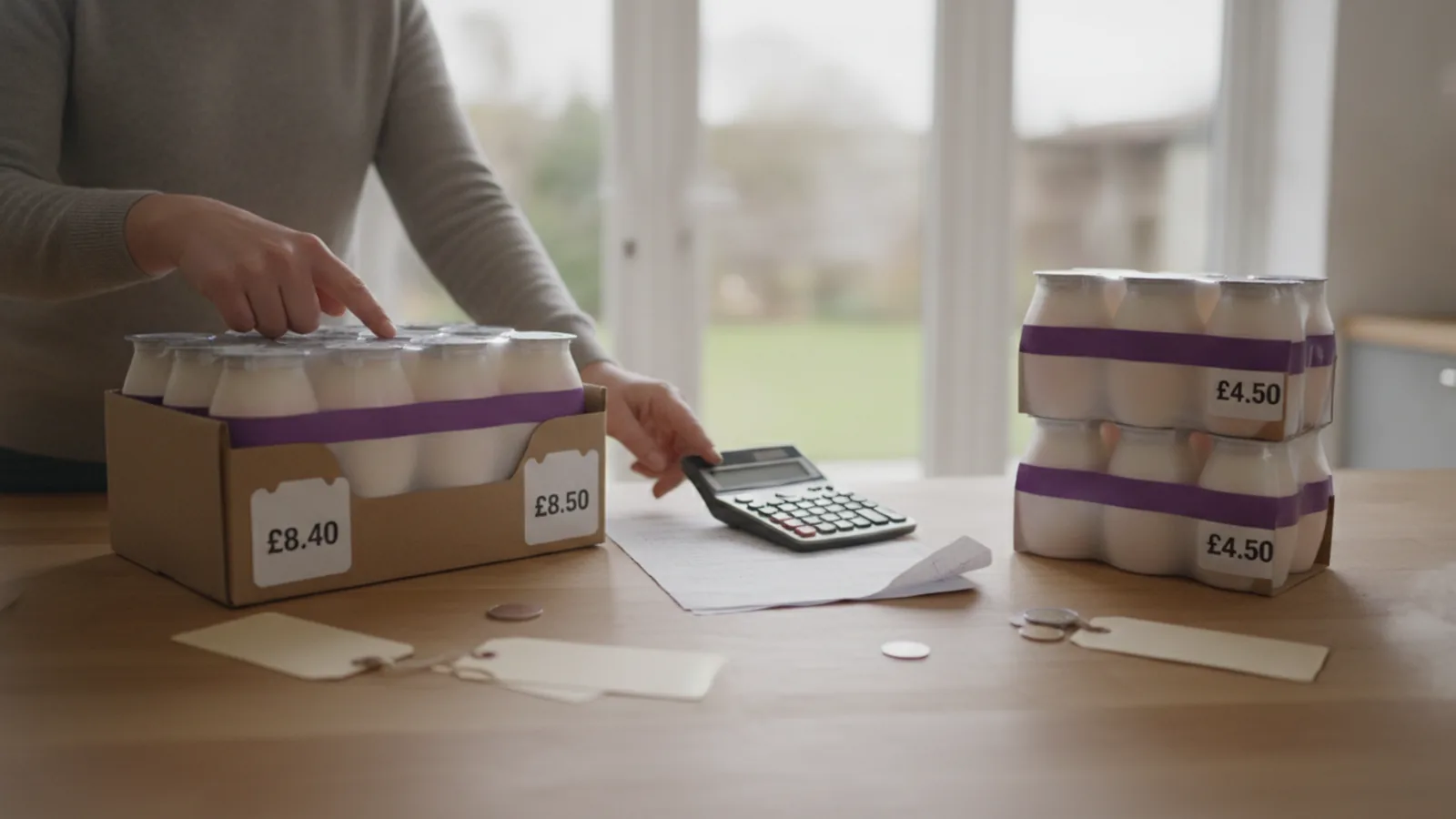
Once you have the page yield, you can calculate the cost per page. This is the most effective way to compare different ink options. The formula is simple: take the total price of the cartridge and divide it by its page yield. For example, if one cartridge costs a certain amount and has a yield of 200 pages, its cost per page is that amount divided by 200. If another high-yield option costs more but has a yield of 450 pages, you can determine its cost per page and see which is more economical in the long run. Perform this calculation for every option you are considering, including standard, high-yield, and third-party cartridges. As a practical check, complete this calculation for at least two different cartridges. You should be able to clearly state which one offers a lower cost for each page printed. This calculation is crucial because it reveals that a more expensive cartridge can often be the cheaper option over time due to a much higher page yield.
Assess High-Yield vs. Standard Cartridges
Now, evaluate whether a high-yield (often labeled XL) or a standard-yield cartridge is better for your specific habits. High-yield cartridges contain more ink and almost always offer a lower cost per page, making them seem like the obvious choice. However, for an occasional user, this can be a trap. If you only print 20 pages over three months, a high-yield cartridge rated for 500 pages might dry out long before you use all the ink, wasting your initial investment. A standard-yield cartridge, while more expensive per page, represents a smaller initial cost and less potential waste if it becomes unusable. To make a decision, review your printing estimate from the preparation phase. If you print consistently every week, even small amounts, high-yield might be fine. If your printing is sporadic with long gaps, a standard cartridge is likely the safer, more economical choice. As a check, write down your printing frequency and decide which category you fall into. This matters because aligning your purchase with your actual usage pattern is key to avoiding the hidden cost of dried-out ink.
Investigate Third-Party Ink Options
Explore the world of third-party ink, which includes 'remanufactured' and 'compatible' cartridges. Remanufactured cartridges are original manufacturer cartridges that have been professionally cleaned, refilled, and tested. Compatible cartridges are brand-new cartridges made by a different company. Both options are typically much cheaper than the printer manufacturer's own brand. However, quality and reliability can vary significantly between suppliers. Before purchasing, carefully read recent customer reviews for the specific cartridge model you need. Look for a reputable seller that offers a clear satisfaction guarantee and a straightforward return policy in case the cartridge is not recognized by your printer or produces poor quality prints. It's also wise to check your printer's warranty documentation to see its policy on using non-original cartridges. As a practical check, find a highly-rated third-party cartridge for your printer and read its full return policy. This is important because it provides a safety net, ensuring you are not stuck with a useless product if it fails to work as expected.
Factor in the Ink 'Dry-Out' Risk
For inkjet printers, the 'dry-out' factor is a critical, non-negotiable consideration for anyone who prints infrequently. Inkjet printers work by spraying tiny droplets of liquid ink, and if the printer sits idle for too long, this ink can dry and clog the microscopic nozzles of the printhead. This leads to streaky, faded, or missing colors in your printouts. To combat this, you must use the printer regularly. Most experts recommend printing at least one page in both black and color every one to two weeks to keep the ink flowing and the printheads clear. Many printers also perform automatic maintenance cycles, but these consume a small amount of ink from all cartridges. When choosing an ink, remember that a large, high-yield cartridge sitting idle for a month is at high risk of clogging, which negates its value. As a practical check, set a recurring bi-weekly reminder on your calendar to print a single, colorful test page. This simple habit is the best insurance against premature ink failure and is more effective than any cost-saving strategy on its own.
Consider Ink Tank Printers for the Long Term
If you are in the market for a new printer, broaden your comparison to include ink tank printers. Unlike traditional cartridge-based models, these printers feature large, refillable tanks that you fill with ink from bottles. The initial purchase price of an ink tank printer is almost always significantly higher than a comparable inkjet cartridge printer. However, the cost of the replacement ink bottles is dramatically lower. A single set of bottles can often print thousands of pages, resulting in an extremely low cost per page. This makes them a compelling option even for occasional users, as the total cost of ownership over several years can be much lower. The risk of ink drying out is still present, though some argue it's less of an issue with the sealed tank systems, but regular printing is still recommended. As a practical check, look up the price of a full set of replacement ink bottles for an entry-level tank printer and compare that to the cost of two or three high-yield cartridges for a standard inkjet. This comparison illuminates the fundamental difference in the business models and long-term costs associated with each technology.
Quick Reference
| Situation | Action | Why it helps |
|---|---|---|
| You print less than 10 pages per month. | Purchase standard-yield cartridges instead of high-yield (XL) versions to reduce the upfront cost and minimize financial loss if the ink dries out from disuse. | The lower cost per page of a high-yield cartridge is irrelevant if it clogs and becomes unusable before you've even used half of the ink it contains. |
| Your printer displays a 'low ink' warning. | Ignore the initial warning and continue printing. Only replace the cartridge when you see a tangible decline in print quality, such as fading or streaks. | Most ink level sensors are notoriously conservative. There is often a substantial amount of usable ink remaining in the cartridge after the first warning appears. |
| A new printer is advertised at a very low price. | Before buying the printer, research the price and page yield of its replacement ink cartridges. Check for both standard and high-yield options to calculate the cost per page. | This business model, often called 'razor and blades,' involves selling the initial hardware cheaply to lock the customer into buying expensive, proprietary consumables. |
Common Issues
- The printer doesn't recognize a new cartridge.: Remove the cartridge and check for any protective plastic tabs or tape that may not have been removed. Wipe the copper-colored electrical contacts on the cartridge and inside the printer with a dry, lint-free cloth, then reseat it firmly.
- Prints are streaky or colors are missing.: Use your printer's software utility to run the 'print head cleaning' cycle. You may need to run it two or three times. If the problem persists, printing a document with several solid blocks of the problematic color can sometimes clear a minor clog.
- A third-party cartridge is causing error messages.: Acknowledge any on-screen messages from the printer software stating that a non-genuine cartridge is in use. If it still won't print, contact the third-party seller to inquire about a replacement or refund, referencing their return policy.
Advanced Tips
- Use 'draft' or 'economy' print mode for non-critical documents. This setting uses significantly less ink by reducing the print resolution.
- Whenever possible, change your print settings to 'grayscale' or 'black ink only' to avoid using expensive color inks for black text.
- Check your printer's specifications to see if it creates 'composite black' by mixing colors. If it does, a single empty color cartridge can prevent you from printing at all, even in black and white.
Final Checklist
- I have calculated the cost per page for my top ink choices.
- My choice between standard and high-yield ink reflects my actual printing frequency.
- I have confirmed the return policy for any non-manufacturer ink I plan to buy.
- I have a plan to print a test page regularly to prevent ink from drying out.
FAQ
Are third-party ink cartridges safe for my printer?
Generally, reputable third-party cartridges are safe. However, quality can vary. The main risks are poor print quality, leaks, or the cartridge not being recognized. To mitigate risk, buy from sellers with strong positive reviews and a clear money-back guarantee. Check your printer's warranty terms, as some manufacturers may state that damage caused by third-party supplies is not covered.
Why does my color ink run out when I only print black text?
Many inkjet printers use small amounts of color ink even when printing black-and-white documents. This can be to create a richer 'composite black' or during routine maintenance and cleaning cycles that occur when the printer is turned on. To conserve color, look for a 'black ink only' or 'grayscale' setting in your print driver preferences and use it whenever possible.
Is an ink subscription service good for occasional printing?
Ink subscription services, where you pay a monthly fee for a set number of pages, are typically not cost-effective for very occasional or inconsistent users. These plans are designed for predictable, steady printing volumes. If you have several months a year where you print very little or nothing at all, you will likely be paying for pages you don't use, making standard cartridge purchases more economical.