How To Compare Refurbished Tablet Condition Grades
A practical step-by-step guide to how to compare refurbished tablet condition grades, including preparation, instructions, common issues, tips, and next steps.
How To Compare Refurbished Tablet Condition Grades
Comparing refurbished tablet condition grades is essential for making an informed purchase. This guide explains how to decipher terms like 'Grade A' or 'Excellent', assess cosmetic and functional quality, and understand what to expect from sellers to find a reliable device that fits your needs and budget.
Fast Answer
- Look for the seller’s grading definitions, as terms like Grade A, B, and C are not standardized and vary significantly between retailers.
- Prioritize the seller's stated warranty and return policy over the condition grade alone, as this offers the best protection for your purchase.
Before You Start
- Identify your primary needs for the tablet, such as reading, gaming, or work, to determine the performance level you require.
- Research and list several reputable sellers who specialize in refurbished electronics and have transparent grading policies.
- Read customer reviews for specific sellers to gauge the accuracy of their condition grading and the quality of their service.
- Familiarize yourself with the general terms used in refurbishment, such as 'cosmetic wear', 'screen burn-in', and 'battery health'.
Step-by-Step Instructions
Step 1: Understand the Grading Scale
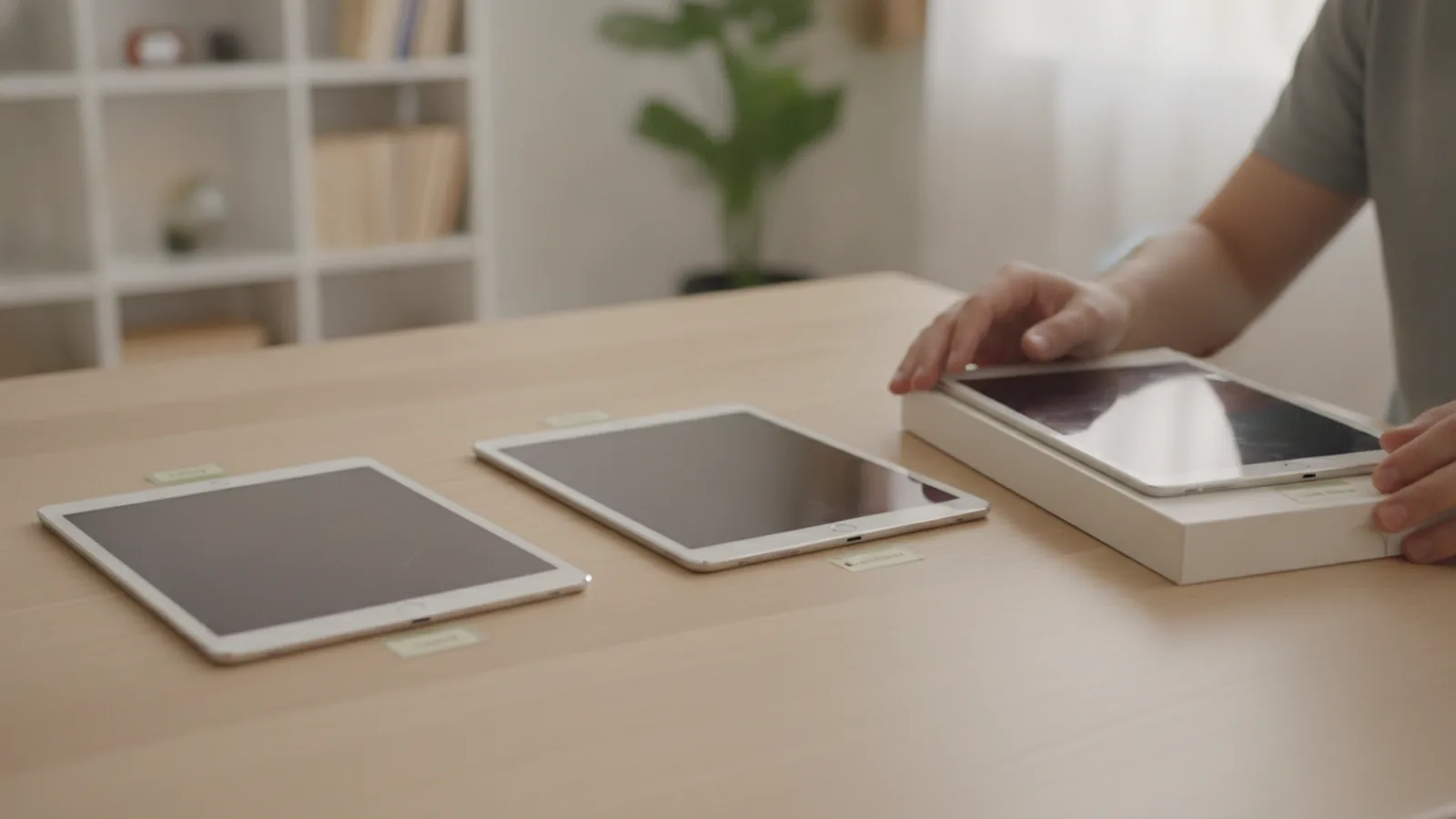
Your first action is to locate the seller's detailed grading scale definition. Since there is no industry-wide standard, each retailer creates their own system, often using letters (A, B, C) or descriptive terms (Excellent, Good, Fair). This information is typically on a dedicated 'Refurbished Guide' or FAQ page on their website. Once located, carefully analyze how they distinguish between grades. The key check is to see if the criteria separate cosmetic imperfections from functional guarantees. A thorough guide will detail the number, size, and location of acceptable scratches, scuffs, or dents for each grade. For example, does 'Grade A' mean cosmetically flawless, or does it permit minor signs of handling? This detailed check is critical because it sets your expectations accurately. Without understanding the seller's unique definitions, you cannot make a meaningful comparison between their offerings or those of a competitor, which could result in disappointment with the device's physical condition upon arrival.
Step 2: Scrutinize Cosmetic Condition Details
After understanding the general grades, focus on the specific cosmetic description for the tablet you are interested in. Sellers often provide notes about a particular unit or show photos of a representative device for a given grade. Your action is to look past the grade letter and read every word of the description. Look for specific language about blemishes on the screen, casing, and corners, which are common areas for wear. A practical check involves comparing the written description to any provided photos, zooming in to look for reflections that might reveal fine scratches. Pay close attention to whether blemishes are described as being on the screen or the body, and if screen marks are visible when the display is on. This matters because cosmetic condition directly impacts your experience and the device's resale value. A tablet with a dented corner might be functionally perfect and offer great value, but only if you are aware of and comfortable with that specific imperfection before you buy.
Step 3: Assess Screen and Display Quality
The screen is the most important part of a tablet, so its condition deserves special attention beyond general cosmetic grades. Your action is to search the seller's grading policy and the specific product listing for any mention of screen-specific flaws. These can include dead pixels, bright spots, scratches, or screen burn-in (a faint, persistent ghost image). A trustworthy seller will explicitly state the screen condition for higher-grade devices, often noting they are free from such defects. The crucial check is to see if the seller differentiates between scratches on the glass and defects in the display panel itself. A light scratch may be invisible when the screen is on, but a cluster of dead pixels will be a constant annoyance. This check is vital because screen imperfections can severely detract from the user experience for activities like watching videos or reading. A pristine case means little if the display you interact with is flawed, so confirming a clean, fully functional screen is a top priority.
Step 4: Verify Battery Health Information
A tablet's portability is useless without a healthy battery. Since batteries degrade with use, you must investigate how the seller addresses battery health in their refurbished units. Your action is to look for a specific policy or statement regarding battery testing and performance. Reputable sellers often test the battery and will only sell devices with a battery that holds a charge above a certain minimum threshold, for example, 80% of its original capacity. The important check is to find this minimum percentage or a statement confirming the battery has been tested for functionality. Some premium refurbishers will even install a brand-new battery. This matters immensely because replacing a tablet's integrated battery can be difficult and costly. A low-cost refurbished tablet with a worn-out battery is a bad deal, as its usability will be severely limited by poor battery life, keeping it tethered to a charger and defeating its purpose as a portable device.
Step 5: Check for Included Accessories
The condition grade applies to the tablet itself, but the value of the purchase also depends on the included accessories. Don't assume a charger and cable are included or are of high quality. Your action is to carefully read the 'What's in the box?' section of the product listing. Verify exactly which accessories are promised with the device. The critical check is to determine if the included accessories, particularly the power adapter and charging cable, are original manufacturer equipment or third-party alternatives. While third-party accessories can work well, they are sometimes of lower quality and may charge the device more slowly or even pose a safety risk. This step is important because purchasing official accessories separately can add a significant, unexpected cost to your purchase. Ensuring the necessary components are included and are of decent quality helps you budget accurately and ensures you can use your tablet safely and effectively right out of the box.
Step 6: Review Warranty and Return Policies
A strong warranty is your most important protection when buying a refurbished device. The condition grade tells you what to expect on arrival, but the warranty protects you from unexpected hardware failures later on. Your primary action is to find and read the seller's warranty and return policy documents. Do not rely on a summary; read the full terms. The crucial check is to identify three key details: the warranty's duration (e.g., 90 days, one year), what it covers (e.g., hardware defects but not accidental damage or battery degradation), and the length of the return window for a no-questions-asked refund. This review is essential because it defines your recourse if the tablet develops a fault. A seller who is confident in their refurbishment process will offer a substantial warranty. A short warranty or a restrictive return policy can be a red flag, indicating a potential lack of quality control. This policy is your safety net, making it as important as the device's physical grade.
Quick Reference
| Situation | Action | Why it helps |
|---|---|---|
| A seller uses vague grading terms. | Contact the seller directly and ask for a detailed definition of the grade or for photos of a typical unit that represents that specific grade. | Vague terms like 'normal wear' can hide significant flaws. Getting specific clarification or photographic evidence helps you make a truly informed decision. |
| The listing focuses only on cosmetics. | Proactively ask the seller what functional checks are performed, specifically inquiring about the battery health, ports, buttons, cameras, and speakers. | A beautiful tablet that doesn't function correctly is useless. You must confirm that a rigorous, multi-point functional inspection was completed. |
| Comparing two tablets of the same grade. | Look beyond the grade and compare the warranty period, return policy, and included accessories for each listing to determine the better overall value. | Post-purchase support and included equipment are critical parts of the deal. A longer warranty can easily be worth more than a minor cosmetic difference. |
Common Issues
- The tablet's condition is worse than described.: Immediately take clear photos of the discrepancies and contact the seller's customer service. Reference their grading policy and your order details to request a return or exchange.
- The battery drains much faster than expected.: First, fully charge and discharge the tablet a couple of times. If it doesn't improve, check the seller's battery policy and contact them for a warranty claim if it falls short of their stated minimum health.
- An included accessory is missing or doesn't work.: Check your original order to confirm what was supposed to be included. Contact the seller with the details; reputable sellers will typically ship a replacement accessory without issue.
Advanced Tips
- Prioritize sellers who provide a detailed diagnostic checklist or certificate with each device, showing which functional tests it passed.
- Consider refurbished devices sold directly by the original manufacturer, as they often undergo the most rigorous restoration process.
- Check if the seller has a physical store or local presence, which can make returns or warranty claims simpler to handle.
Final Checklist
- I have read and understood this specific seller's grading criteria.
- I have reviewed the product description for device-specific flaws.
- I know the exact length of the warranty and what it covers.
- I have confirmed which accessories are included and the return period.
FAQ
Is a 'Grade B' tablet a bad choice?
Not at all. A Grade B device is often the best value, offering the same internal performance as a Grade A model but with minor, purely cosmetic flaws like light scuffs on the casing. If you use a case, you may never even see the imperfections, making it a very smart purchase.
What's the difference between 'refurbished' and 'used'?
A refurbished device has been professionally inspected, tested, cleaned, and repaired to be in full working order, and it usually includes a warranty. A 'used' or 'pre-owned' item is typically sold as-is by a previous owner, with no professional verification of its condition or a guarantee of its functionality.
Will a refurbished tablet get software updates?
Yes. A tablet's ability to receive software updates is determined by its model and the manufacturer's support policy for that model, not its refurbishment status. It will receive the same updates as a brand-new device of the same model would, ensuring you have access to the latest features and security.