
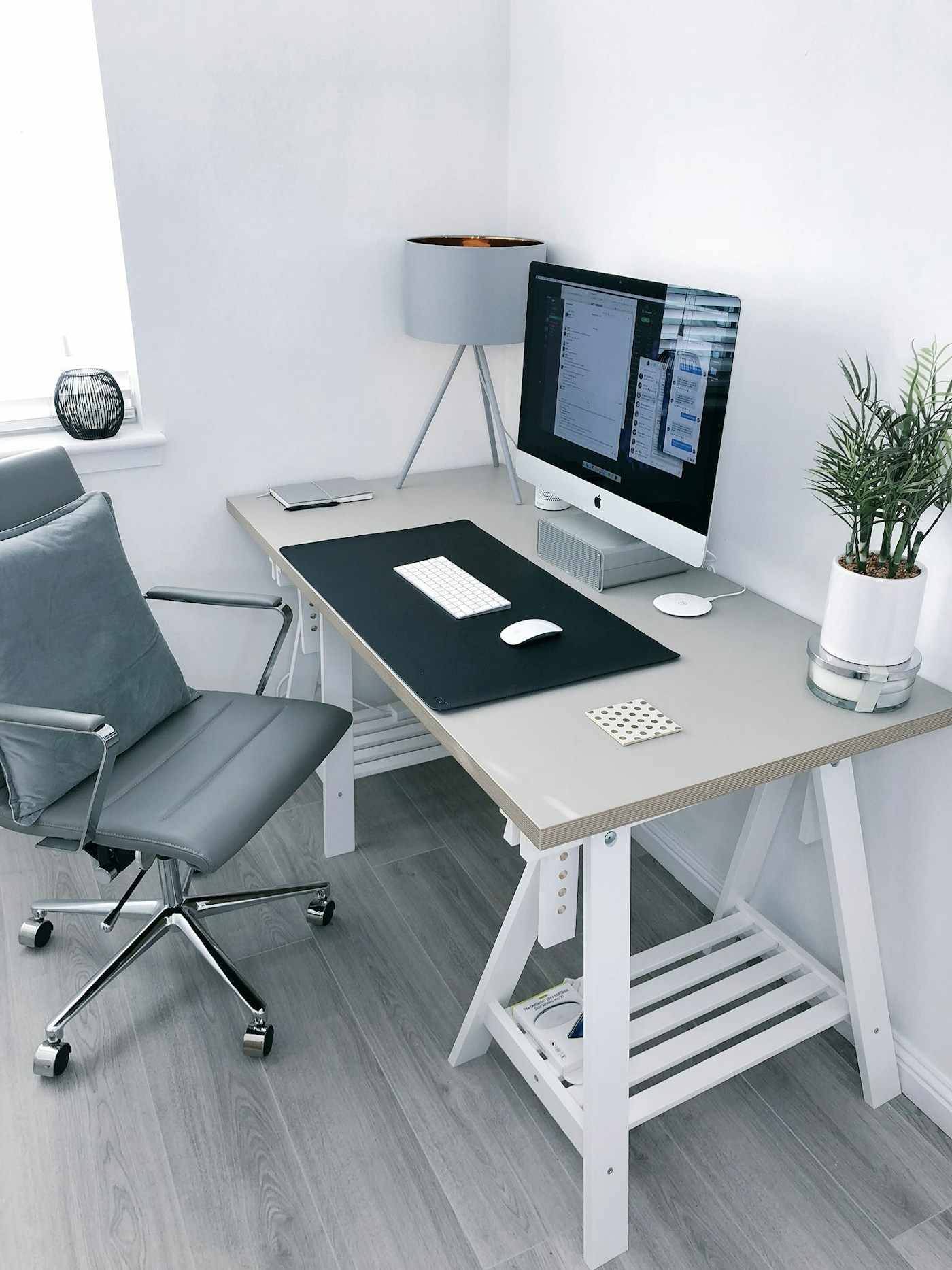
Notice the friction
Spend a work session noting repeated irritations: a cable that falls behind the desk, glare on the screen or nowhere to put a notebook. Rearrange existing items before buying accessories. A smaller selection leaves room for the work itself and makes it easier to keep cables and frequently used tools within reach.
Measure and check compatibility
Record desk depth, monitor base dimensions and the clearance beneath shelves. If considering a stand or arm, check the manufacturer mounting and weight requirements for both the accessory and your screen. Do not attach equipment to a surface that is unsuitable. A desk lamp also needs a convenient power point and enough space to move safely.
Add gradually
Choose the one change most likely to solve your main problem, then reassess after using it. Keep packaging until fit and compatibility are confirmed. Avoid bundles that duplicate tools you already own. Appearance can matter, but a matching accessory that takes away useful workspace is not necessarily an improvement.
This is editorial buying guidance, not a hands-on product test or a verified live offer. Photography is illustrative. Check current product details with the seller. Read our disclosure.